
Migrate from Add-on Connector
Alation Cloud Service Applies to Alation Cloud Service instances of Alation
Fivetran connector is no more available as an add-on connector. You must install a standalone Fivetran OCF connector to catalog a data source.
Follow the requirements below to disable and delete the add-on connector.
Requirements in Fivetran Add-on Connector
Go to the Admin Settings > Connectors Dashboard and search for Fivetran add-on connector to view all the RDBMS sources where it is configured.
Disable Fivetran Add-on Connector from each RDBMS source.
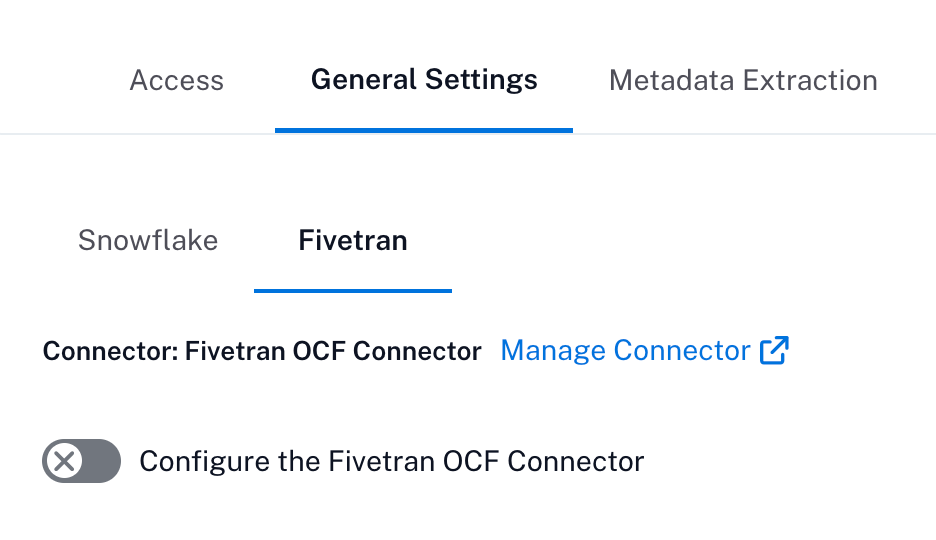
Navigate to General settings → Fivetran and toggle Configure the Fivetran OCF Connector to disable.
Install the standalone Fivetran OCF connector. For more information, see Set Up Fivetran OCF Connector.