
Configure Metadata Extraction
Alation Cloud Service Applies to Alation Cloud Service instances of Alation
Customer Managed Applies to customer-managed instances of Alation
Enhanced Connector Enhanced connectors add extended capabilities and require a separate entitlement in addition to your Alation platform license.
To configure metadata extraction (MDE) for the Atlas data source in Alation, follow these steps:
Test Access and Fetch Schemas
Before extracting metadata, test the connection to Atlas and fetch the available schemas:
On the Atlas data source Settings page, go to the Metadata Extraction tab.
Under Step 1: Test Access and Fetch Schemas, click Run.
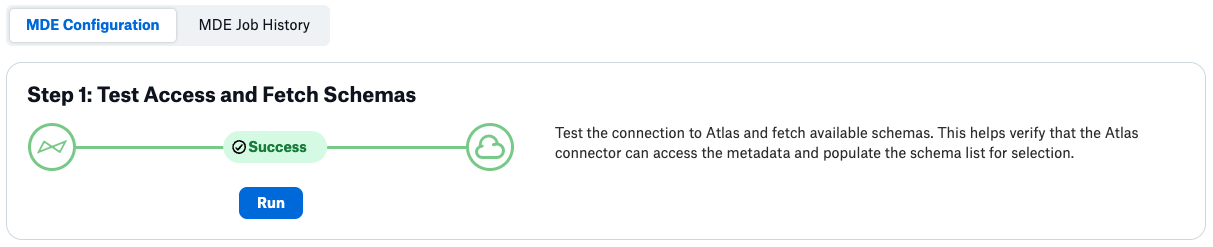
Alation tests the connection to Atlas and retrieves the list of available schemas. If the connection succeeds, the status shows Success. If errors occur, review the error messages and verify your connection settings in General Settings.
Select Schemas for Extraction
After successfully fetching schemas, configure which schemas to extract:
Note
If you do not select schemas, Alation extracts all accessible schemas from Atlas.
Under Step 2: Select schemas for extraction, you will see the list of available schemas.
Select one or more schemas by clicking the checkbox next to each schema name.
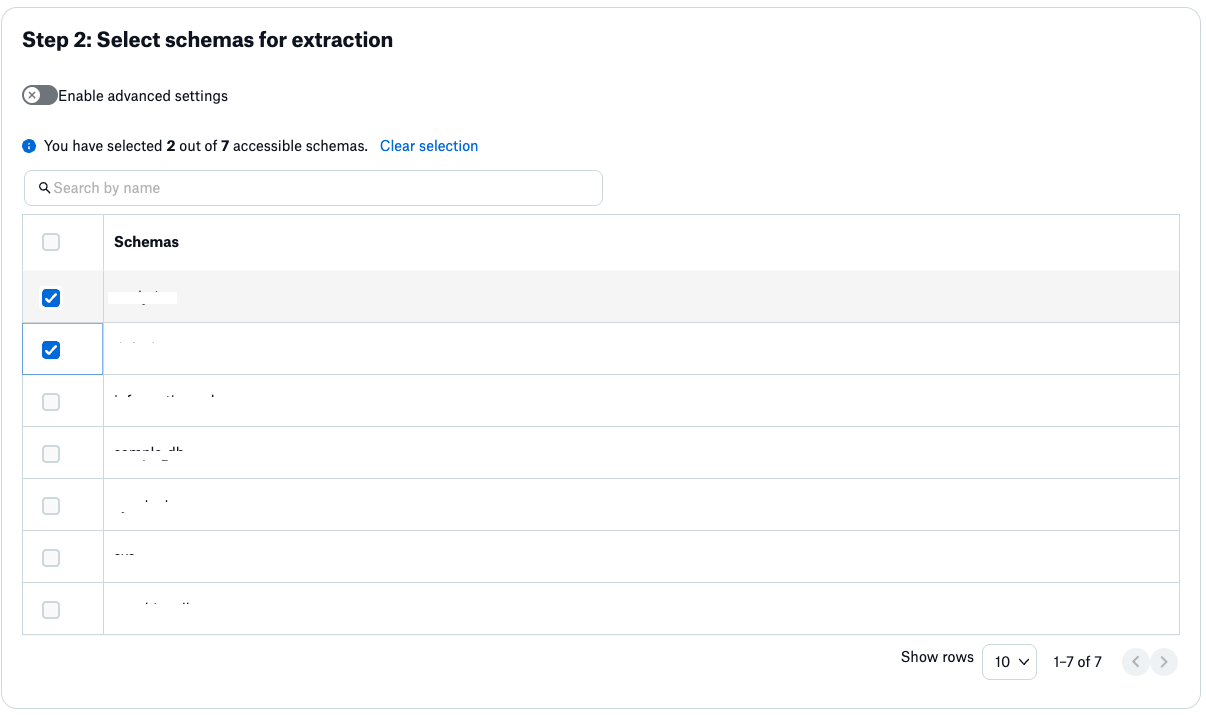
Use the Search by name field to filter schemas if you have a large number of schemas.
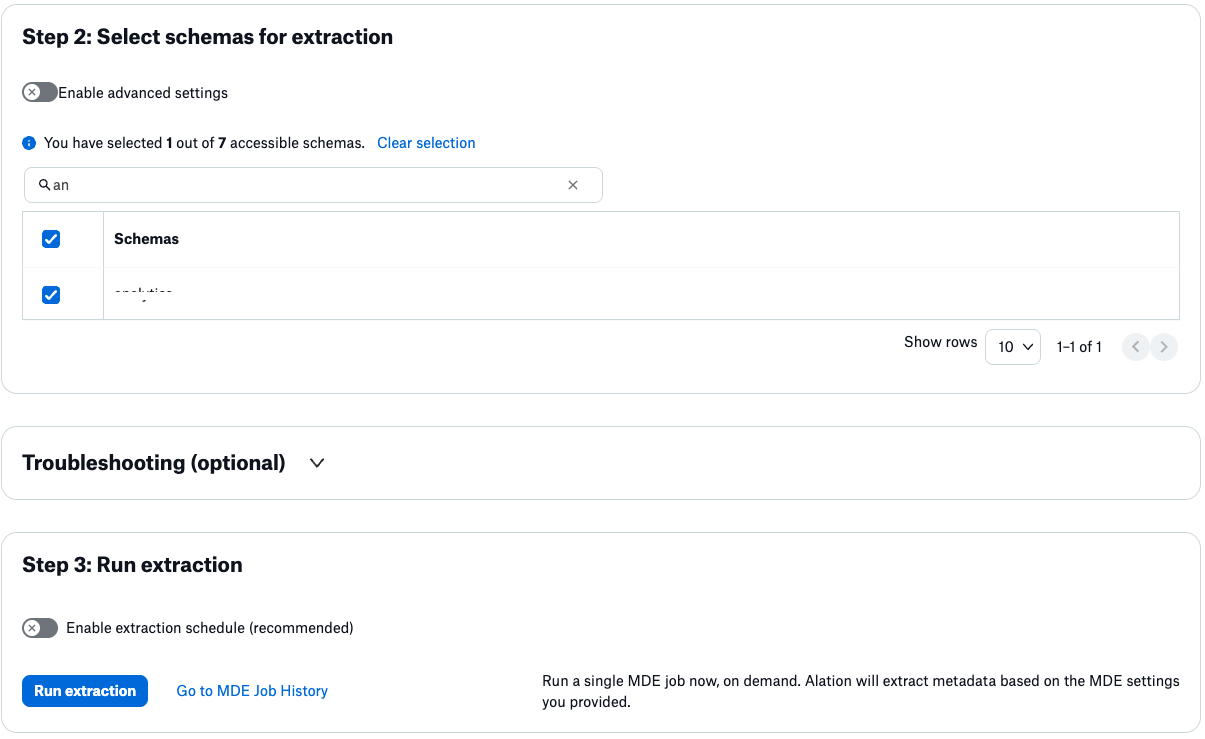
(Optional) Turn on the Enable advanced settings toggle to access additional filter options:
Available filter options are:
Filter Option |
Description |
|---|---|
Extract all except selected |
Extract metadata from all schemas except those selected. |
Extract only selected |
Extract metadata from only the selected schemas. |
(Optional) Check Keep the catalog synchronized with the current selection of schemas to remove previously extracted schemas that are no longer selected, ensuring your catalog matches the current scope.
Run Extraction
After configuring schema selection, run the metadata extraction:
Under Step 3: Run extraction, click Run extraction to extract metadata from Atlas.
(Optional) Turn on Enable extraction schedule (recommended) to schedule automated metadata extraction.
Click Go to MDE Job History to view the status of the extraction job.
The extraction job will run and extract metadata based on your schema selection. The status is logged in the MDE Job History tab.